8 reasons why you should replace all marketing links with branded short links
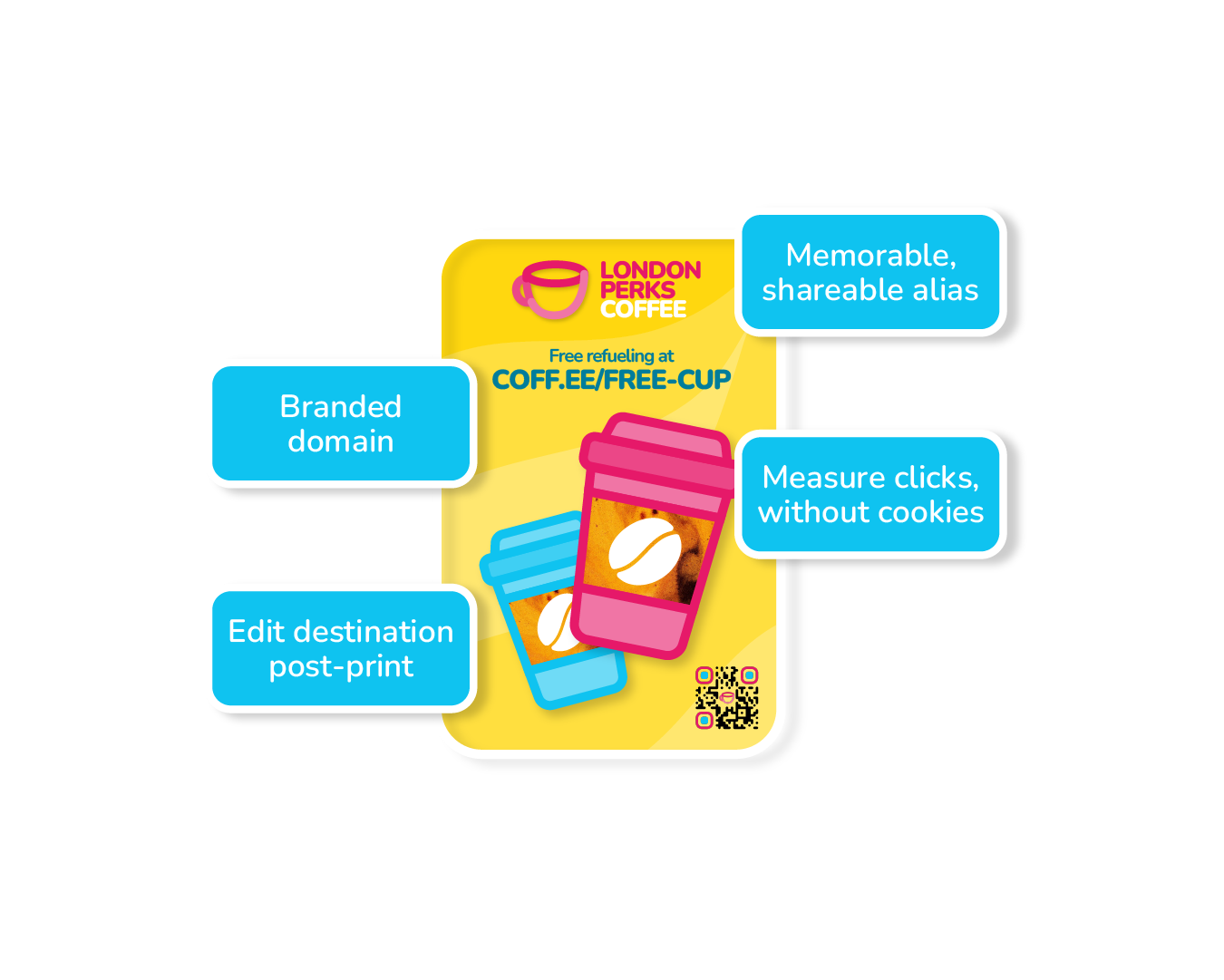
Branded short links can be a lifesaver for the campaign manager. They not only help improve brand recognition and reduce confusion by condensing clumsy long URLs into simple short links, they also let you track and compare marketing activity when users don't accept cookies.
Benefits of using short links for all campaign links
Increase click-through rates. Studies show, the longer the link, the worse the click-through rate. People are more likely to click on shorter, more easily-identifiable URLs. As a result, short links can improve your marketing performance.
Stop truncating long links. The longer the link, the greater the chance that some characters will be lost when copying and pasting. Have a look at a list of long links and try to spot the ones that have characters missing - it’s almost impossible. Short links are easier to manage and less likely to be truncated by a martech platform’s character limit.
Correct mistakes after the campaign’s live. Once you’ve sent an email campaign or printed your OOH or DM material, those links are unchangeable. You made a mistake? Too late! Anyone using those links might get a 404 error, or the tracking data might be screwed up. With short links, you can make corrections to the landing page URL or the UTM parameters after the campaign has gone live. It’s a lifesaver!
Get 100% accurate clickthrough metrics (without cookies!). Has your adserver clickthrough report ever been massively different from your GA4 report? Which do you trust? What happened to all that missing traffic? Short links give you an independent count of every single clickthrough - even the ones who didn’t accept cookies! Now you can easily tell if the adserver is overcounting (or web analytics is undercounting).
Standardise click metrics. Microsoft, Meta, Google, LinkedIn, Tiktok… Each ad platform measures traffic slightly differently, each striving for the biggest click number, each competing for the largest share of your budget. Shortlink-based clickthrough metric puts all networks on the same page. You can compare them all side-by-side.
Detect potential ad fraud. Fraud traffic declines cookies. So how can you tell if that big spike was legitimate or caused by a bot or by a click farm? Short link click data can track device, browser, country, city, date and time. Ok, it’s not a bona fide fraud detection platform, but it might give you a clue that you’ve got a problem.
Immediate access to clickthrough data. The campaign should be live but GA says you’re getting no traffic. And no one at the media agency is returning your calls! A quick look at the shortlink report will tell you immediately if the campaign is live or not. Panic over. If you’ve used Uplifter’s Connectors, you could see other adserver metrics like impressions and cost too - even when you don’t have user access to the agency’s account.
Tracking to 3rd party websites. Short links make it easy to measure clicks to websites you don’t own and therefore don’t have Google Analytics data on. You can then compare this with other marketing activity to see which gets the most website visits.
Some marketers use one tool to create their UTMs, another tool to shorten their links, and another to report on them… But this is costly, time consuming and unnecessary. Using an all-in-one link management platform like Uplifter will let you create long links, transform them into short links, and finally count and compare the click throughs - all in one place.
The click through report works by counting the number of times users have clicked on the short link, beed directed to our server before being redirected to the long link destination. This all happens before any cookie has been dropped or before your analytics tag has (or hasn't) fired, in a completely GDPR compliant way (there is no way for us to identify the individual user). This is a great metric to compare all marketing activity to your website, without having to rely on agency ad platform reports or cookie-dependent reports from your web analytics platform.
What about ad platforms that don’t allow short links?
Unfortunately, a few ad platforms don’t allow short links.
Here is how the biggest platforms handle them:
Google Ads: Google requires the display URL to accurately reflect the landing page domain. Using generic URL shorteners often leads to ad disapproval due to "destination mismatch" policies.
Meta (Facebook and Instagram): Meta strictly regulates links to prevent malicious cloaking and spam. Using a generic shortlink on Meta can result in immediate ad rejection, and repeated offenses can get your ad account banned. However you can verify ownership of a branded short link domain within your Meta Business Manager to use short links.
SMS: Messaging platforms like ActiveCampaign and Sinch entirely prohibit public shorteners in SMS/text ad campaigns. Because spammers use them to hide phishing destinations, phone carriers block these messages as a protective measure.
Instead of using public tools like Bitly or Tinyurl, ad platforms recommend using branded custom domains. You can buy a custom, short domain from registrars like Namecheap and route it through tracking services like Uplifter. This way, the domain name aligns with your actual brand, keeping your ads compliant and trustworthy.
Will redirects cause disruption to page loads?
No, our redirects happen server side and don’t render a page, so the redirect happens in microseconds and is not noticeable. Other generic tools like bitly render pages and serve ads which slow down the redirect and result in a poor user experience.
What happens to additional parameters on short links?
By default all our short links support parameter forwarding.
If you put a short link in an ad platform and it appends a new parameter (like gclid or fbclid), that parameter will be correctly appended to the end of the destination URL when a user clicks on the ad.
Uplifter is smart enough to know if it needs a ? or & and where to append it, making sure that data reaches your analytics platform.
